
デジタルファイルの管理は、コレクションが増えるにつれてますます難しくなります。写真、ビデオ、ドキュメント、スプレッドシート、ダウンロード、仕事関連のファイルには、識別しにくい一般的な名前や紛らわしい名前が付いていることがよくあります。次のような名前のフォルダがあると、
IMG_1234.jpg
、
Document1.docx
、 または
final_version_2.pdf
すぐに整理されなくなり、操作が困難でイライラするようになる可能性がある。
ファイルを個別にリネームするのも一つの方法ですが、数百、数千ものファイルがある場合はかなりの時間がかかります。幸いなことに、オンラインのファイル名変更ツールを使えば、専用ソフトウェアをインストールすることなく、迅速かつ簡単にファイル名を変更できます。
この記事では、いくつかのオンラインファイル名変更ツールを紹介し、それぞれのツールの長所と短所について考察します。
1. ファイルの名前を変更するための最高のオンラインファイル名変更ツール
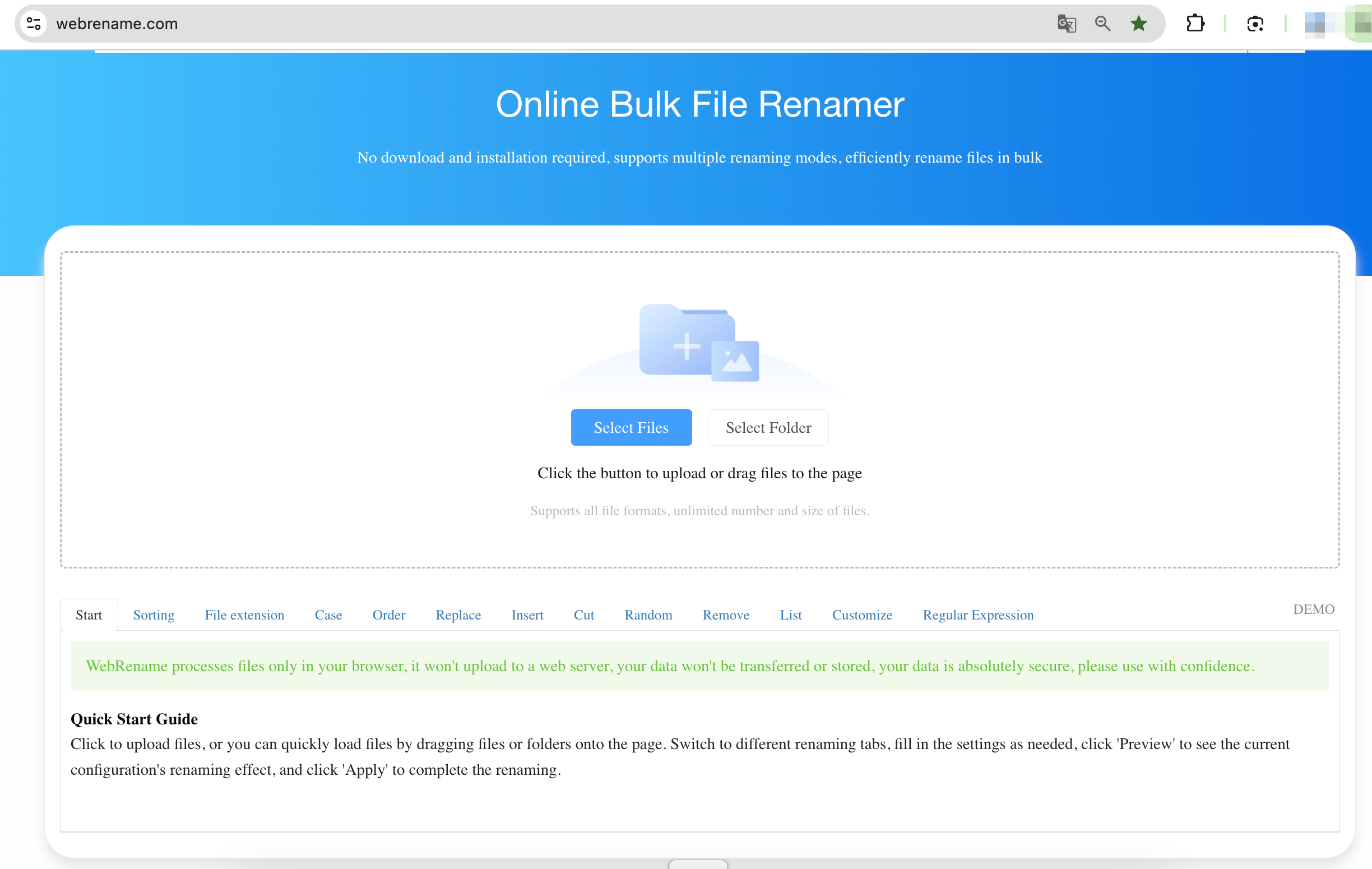
1.1 WebRename.com
WebRenameは、ソフトウェアのダウンロードやインストールを必要とせず、複数のファイルを効率的に一括リネームできる、無料のブラウザベースのオンラインファイル一括リネームツールです。ブラウザ上で直接ファイルを処理し、複数のリネームモードを組み合わせてより柔軟なバッチ処理を実現できます。
主な機能:
- 一括ファイル名変更:数百または数千のファイルを一度に名前変更できます。
- 複数の名前変更モード:シーケンス、置換、挿入、ランダム、切り捨て。
- プライバシー重視:ファイルはブラウザ内でローカルに処理されます。
- すべてのファイル形式に対応:ファイル拡張子に制限はありません。
- 柔軟なダウンロード:名前を変更したファイルを個別に、またはまとめてダウンロードできます。
1.2 Renamer.ai
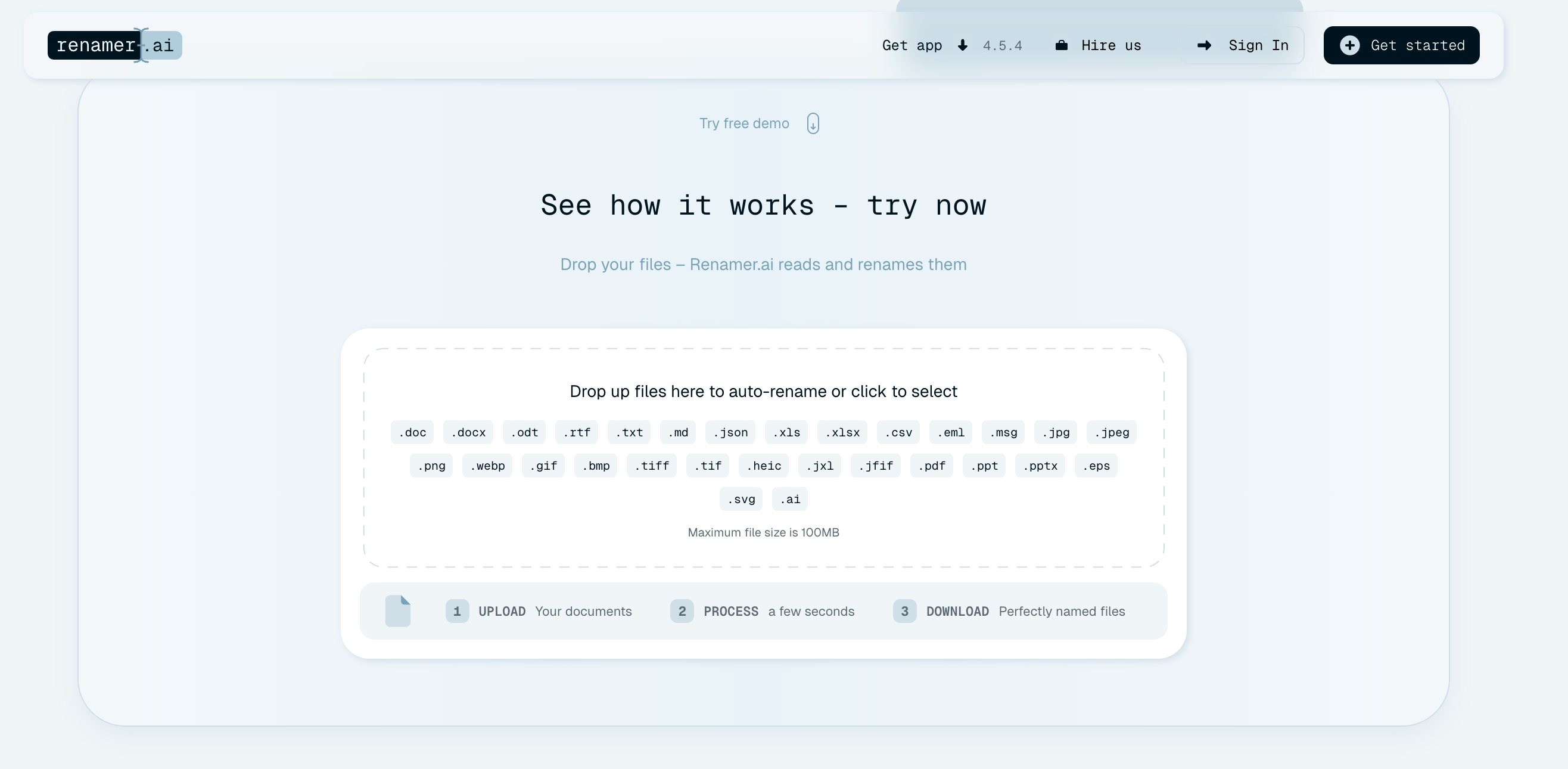
Renamer.aiは、AIを活用したファイル名変更・整理ツールで、PDF、写真、文書、その他のファイルの内容に基づいて、意味のあるファイル名を自動的に作成します。
主な機能:
- AIによるファイル名変更:AIを使用してファイルの内容を理解し、分かりやすいファイル名を作成します。
- 一括ファイル名変更:カスタマイズ可能な命名テンプレートを使用して、複数のファイルを一度に名前変更できます。
- マジックフォルダー:監視対象フォルダーに追加された新しいファイルをバックグラウンドで自動的に名前変更します。
- カスタム命名テンプレート:ファイル名の一貫性を保つための命名形式とルールを定義します。
- 複数のファイル形式に対応:文書、PDF、写真、画像などに対応しています。
1.3 RenameFile.online
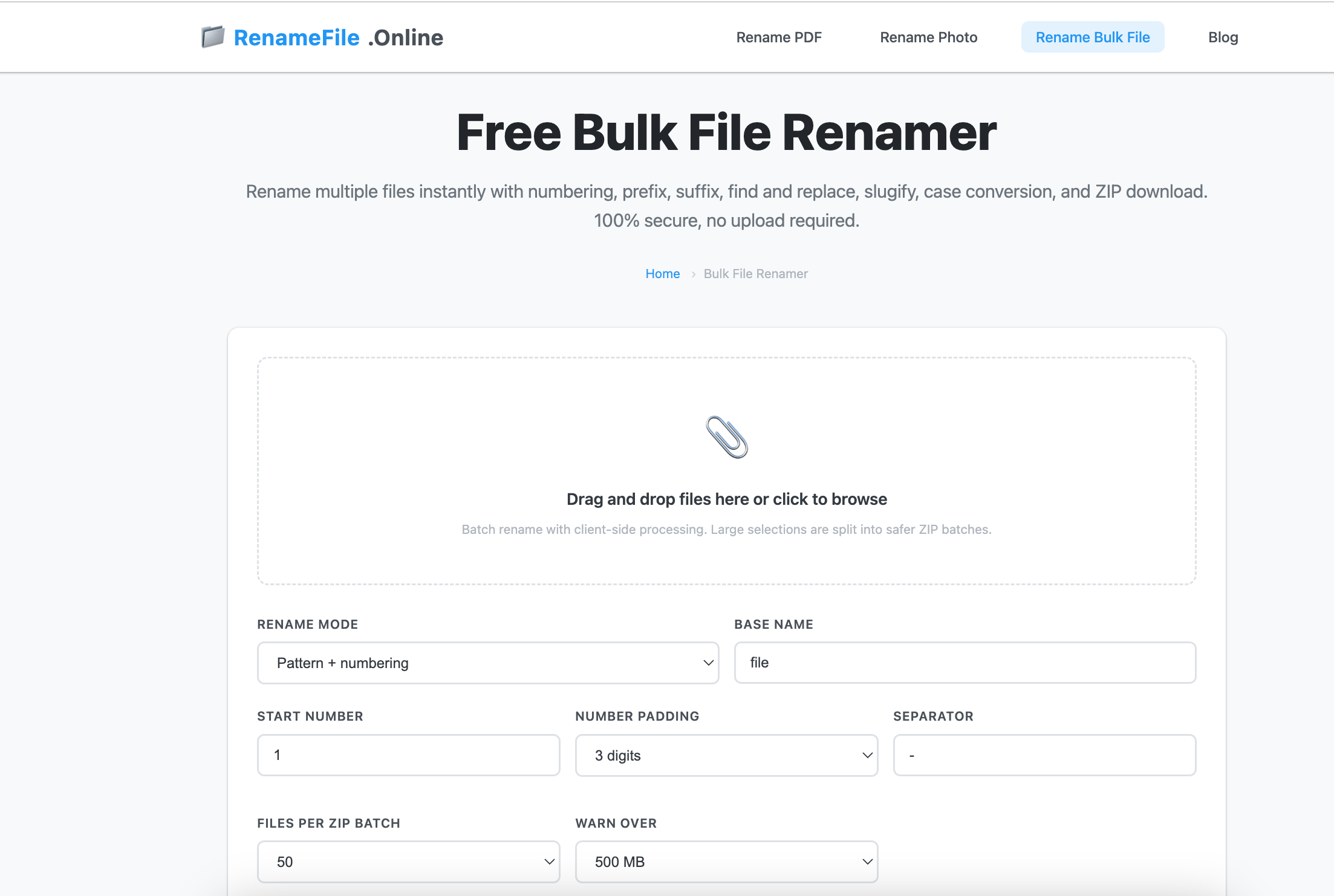
RenameFile.onlineは、ユーザーがブラウザ上で直接ファイル名を変更できる無料のオンラインファイル名変更ツールです。画像、動画、文書、アーカイブなど、一般的なファイル形式に対応しており、ファイルはサーバーにアップロードされるのではなく、ブラウザ上でローカルに処理されます。
主な機能:
- ローカル処理:ファイルはローカルで処理され、外部サーバーにはアップロードされません。
- プライバシー重視:ファイル名の変更処理において、サーバーへのアップロードやファイルの保存は一切不要です。
- 複数のファイル形式に対応:画像、動画、文書、アーカイブなど、さまざまなファイルの名前を変更できます。
- 最大100MB:最大1GBまでのファイルをサポートします。
1.4 FileRenameOnline.com
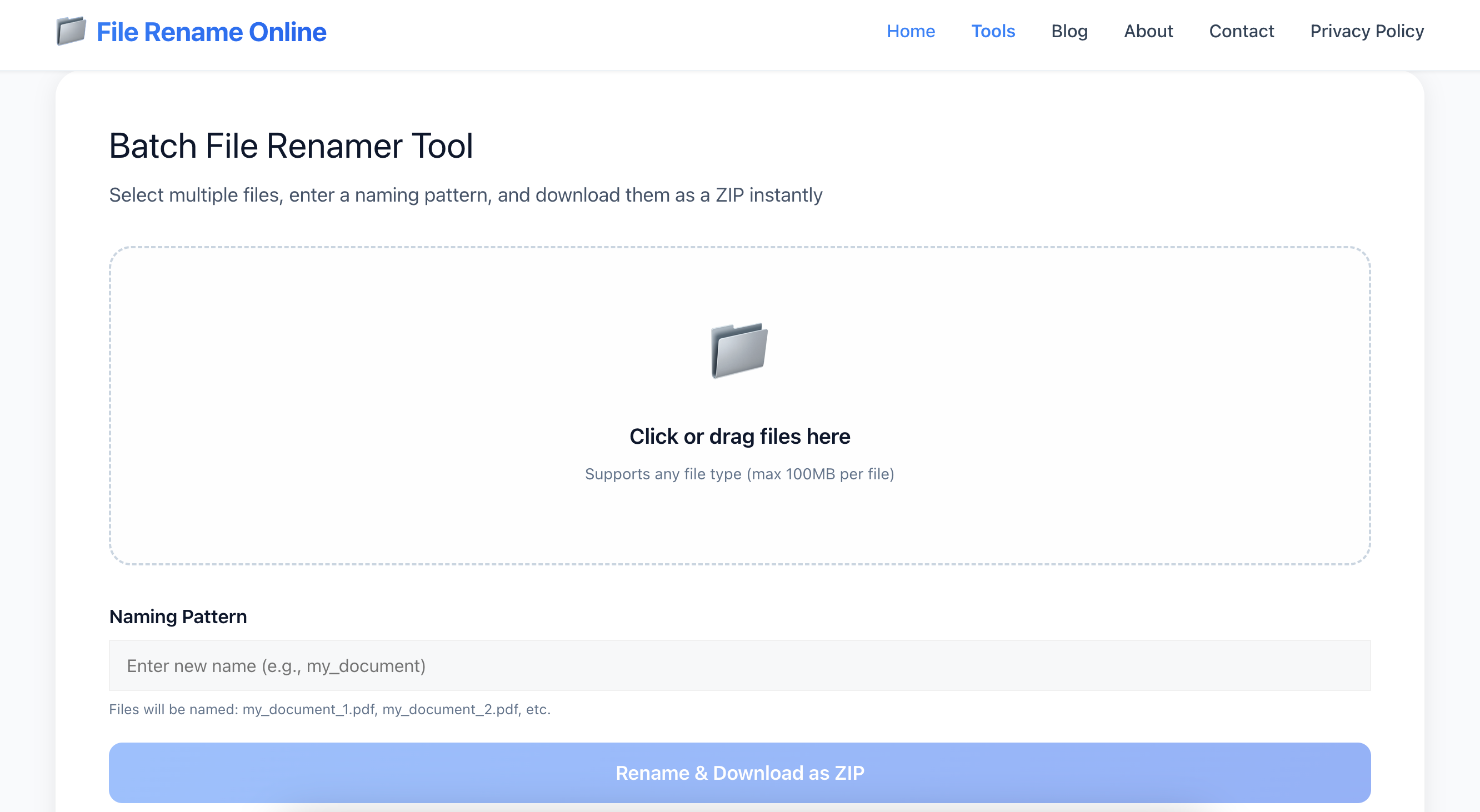
File Rename Onlineは、ブラウザベースの無料一括ファイル名変更ツールです。一貫した命名規則に従って、複数のファイルを一度に名前変更できます。ファイルはブラウザ上で直接処理されるため、サーバーにアップロードされることはありません。
主な機能:
- カスタム命名パターン:複数のファイルに一貫性のある基本名を作成します。
- 自動番号付け:ファイル名に連番を追加して重複を防止します。
- ファイル拡張子を保持します:元のファイル拡張子は変更されません。
- あらゆるファイル形式に対応:画像、文書、動画、音声ファイル、アーカイブなど、様々なファイル形式に対応しています。
- ドラッグ&ドロップ対応:ファイルを簡単に選択したり、ツールにドラッグ&ドロップしたりできます。
- ZIPダウンロード:名前を変更したすべてのファイルをZIPアーカイブとしてまとめてダウンロードします。
2. オンラインファイル名変更ツールを使用するメリットとデメリット
オンラインのファイル名変更ツールは便利だが、メリットとデメリットの両方がある。
長所
- インストール不要: ウェブブラウザから直接ツールにアクセスしてください。
- 手軽で便利: 簡単な、時折行うファイル名の変更に便利です。
- 使い方は簡単: 初心者向けです。
- アクセス可能: インターネット接続のある対応機器から使用できます。
- 基本的な作業に役立ちます。 専用ソフトウェアをインストールせずにファイル名を変更するのに便利です。
短所
- 高度な機能が制限されています。 複雑な名前変更ルールには対応していない場合があります。
- インターネット接続が必要です。 オンラインツールは一般的に、アクティブなインターネット接続に依存している。
- アップロードに関する懸念事項: 一部のサービスではファイルのアップロードが必要となる場合があり、プライバシーに関する懸念が生じる可能性があります。
- 潜在的なファイル制限: 大容量ファイルや大量のバッチ処理は、処理が困難な場合があります。
- 制御が制限される: 専用デスクトップソフトウェアほどの柔軟性は得られない可能性がある。
3. 究極の一括ファイル名変更ツールをお試しください。 Swyshare 名前変更キット
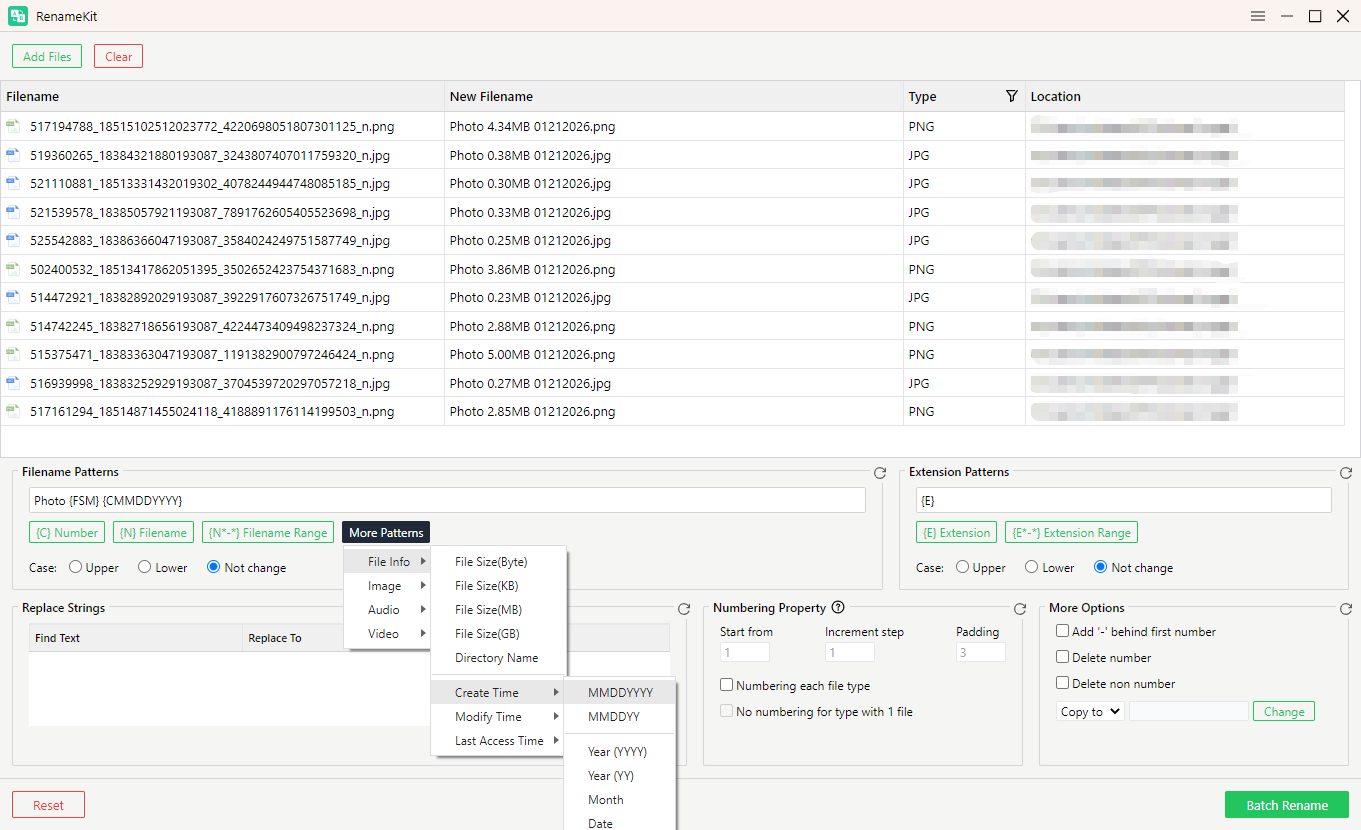
ファイルを一括でリネームする必要があるユーザー向け Swyshare 名前変更キット RenameKitは、ブラウザベースのファイル名変更ツールに代わる専用のツールです。数百枚の画像を管理する写真家、メディアファイルを整理するコンテンツクリエイター、大量のドキュメントを扱うプロフェッショナルなど、どのようなユーザーであっても、RenameKitは一括ファイル名変更をより効率的に行うのに役立ちます。
の主な特徴 Swyshare RenameKit:
- 一括ファイル名変更:数千個のファイルやフォルダの名前を一度に変更できます。
- カスタムルール:接頭辞、接尾辞、数字、日付、またはカスタムテキストを追加します。
- 検索と置換:ファイル名内のテキストをすばやく置換します。
- テキスト編集:ファイル名のテキストを挿入、削除、または変更します。
- メタデータサポート:EXIFやID3などのメタデータを使用してファイル名を変更できます。
- ファイルフィルタリング:一括リネームする特定のファイルを選択します。
- プレビュー:ファイル名の変更を適用する前に確認してください。
RenameKitの使い方:
- WindowsまたはMacでRenameKitを起動し、名前を変更したいファイルまたはフォルダを追加します。
- 置換、挿入、接頭辞/接尾辞の追加、番号付けなど、名前変更ルールを選択してください。
- 必要に応じて命名オプションをカスタマイズしてください。
- 新しいファイル名をプレビューして結果を確認してください。
- 変更を適用すると、複数のファイルの名前を一括で変更できます。
4. 結論
オンラインのファイル名変更ツールは、ソフトウェアをインストールせずにファイルをすばやく名前変更したり整理したりするのに便利です。WebRename、Renamer.ai、RenameFile.online、FileRenameOnline.comなどのツールは、さまざまなニーズに対応する便利な機能を提供しています。ただし、大量のファイルを定期的に管理するユーザーは、より高度な機能とより詳細な制御が必要になる場合があります。この場合、 Swyshare RenameKit は、効率的な一括ファイル名前変更のための強力なソリューションで、柔軟な命名規則、メタデータのサポート、フィルタリング、プレビューオプションを提供します。時間を節約し、ファイルの整理を簡素化したい場合は、 名前変更キット 間違いなく試してみる価値があります。